
Data removed from image
Contact names, local Contacts identifiers, and review labels stay out of the authenticated photo payload.

GAPP does things differently—by re-engineering your everyday manual tasks into one effortless, intentional experience. Why? Because less work means more time for the fun stuff.
Security and privacy
Approved, secure profiles, protected checks, encrypted transit, and one-use access work together ensuring shared photos reach anyone.
The magic of GAPP
A photo taken with family and friends is shared history. GAPP is designed to privately and securely share that history with the people who appear in it.
Forget having to manually send photos. Forget shuffling through all your contacts. Forget large group messages. Forget about chasing a copy of a photo. You can even forget about worrying that you’ll forget.
Just take the photo, pocket your phone and rejoin your family or friends. In the background, GAPP privately handles everything else—like magic.
The private photo boundary
GAPP separates local contact context from the re-encoded photo payload, then keeps clear-photo access locked behind the required checks.
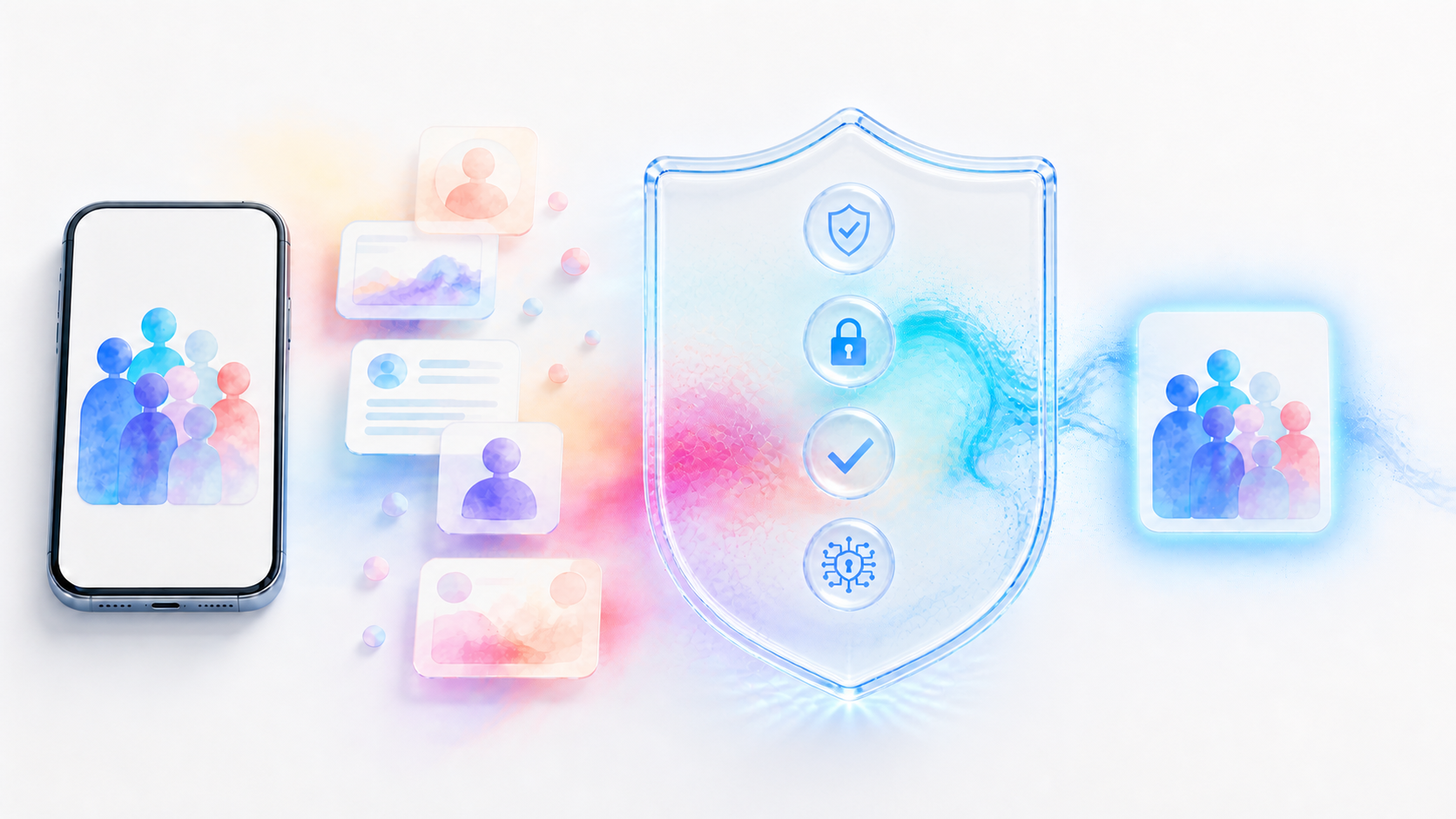
Contact names, local Contacts identifiers, and review labels stay out of the authenticated photo payload.
GAPP re-encodes the selected image as a JPEG instead of forwarding the original source file and its metadata.
The JPEG travels over encrypted HTTPS and remains in private, access-controlled storage.
Clear photo bytes unlock through a session-bound, one-use grant only after the required checks succeed.
How it works
We designed your experience to be effortless and deliberately simple. The complex, demanding safeguards underneath, work for you deliberately to run quietly and reliably.
Take a photo - thats it. GAPP will then work its magic. or you can choose an image that was taken before we knew you, open your photo in GAPP, if we know anyone we will automaticlly select them and if we don't know someone you simply select them and share.
Approved profiles, consent, and strong-match safeguards do the checking.
Only recipients who pass the required checks can receive the clear photo.
Made for the whole group
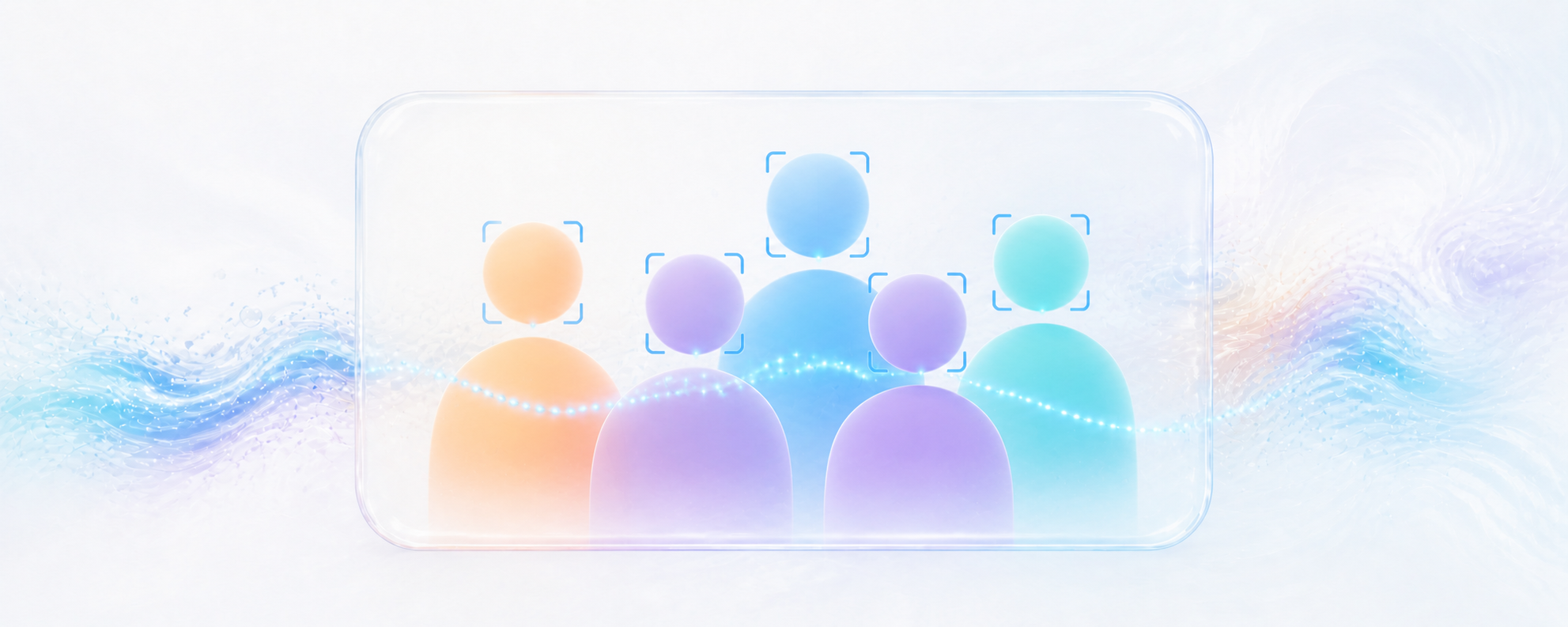
The sender chooses the group photo once. GAPP then checks enrolled profiles and keeps uncertain results locked.
Stay present
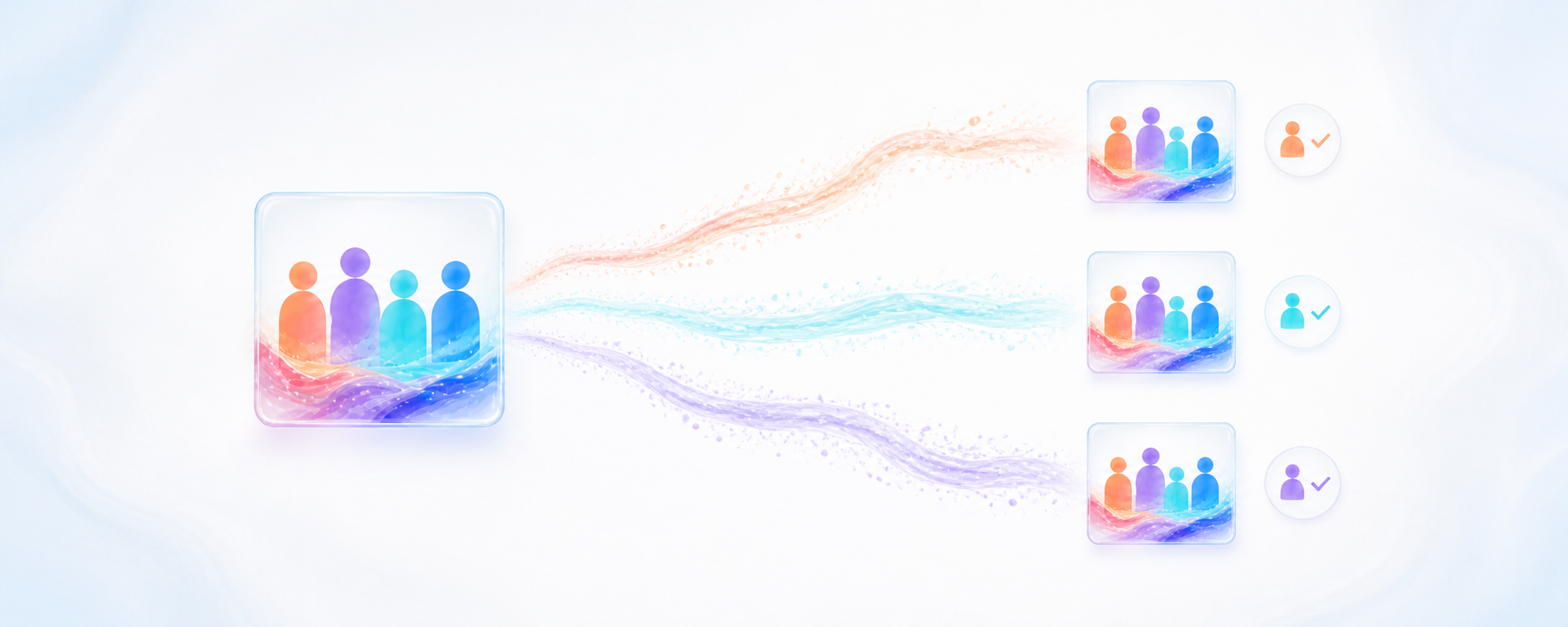
No chasing names, rebuilding group chats, or forwarding the same photo again and again. People who pass the required checks receive their own private copy.
See the complete photo journeyMade for real life
Birthdays, weddings, school events, holidays, team days, and the casual moments nobody wants to chase later.
Celebrations
Escapes
Everyday groups
 Uncertain means locked
Privacy is part of the product
A weak or ambiguous match does not release the clear photo. An invitation reveals no clear group photo, name, contact details, or facial profile.
A clearer picture
GAPP is Group Photo Share: an app designed to help a group photo reach enrolled people who appear in it, privately and with clear sharing controls.
Members create a protected face profile. GAPP compares faces in a group photo with approved profiles and treats only sufficiently strong, unambiguous results as matches.
The clear photo stays locked for that person. GAPP is designed to reject uncertain or conflicting results rather than guess.
No. A private invite link carries an opaque token, not the clear photo, a name, contact details, or a face profile.
Yes. Photos in the GAPP library can be saved to an iPhone album using the app’s signed export flow.
GAPP · Group Photo Share
See the full journey, the sharing choices, and the safeguards that keep uncertain results locked.